
Introducting What SavvyMoney Is
And How to Use It in Digital Banking
For a lot of people, “credit” feels like a mystery score that changes without warning. You pay your bills, you try to do the right things, and then you’re left wondering: Am I doing okay? That’s exactly why Widget Financial added SavvyMoney.
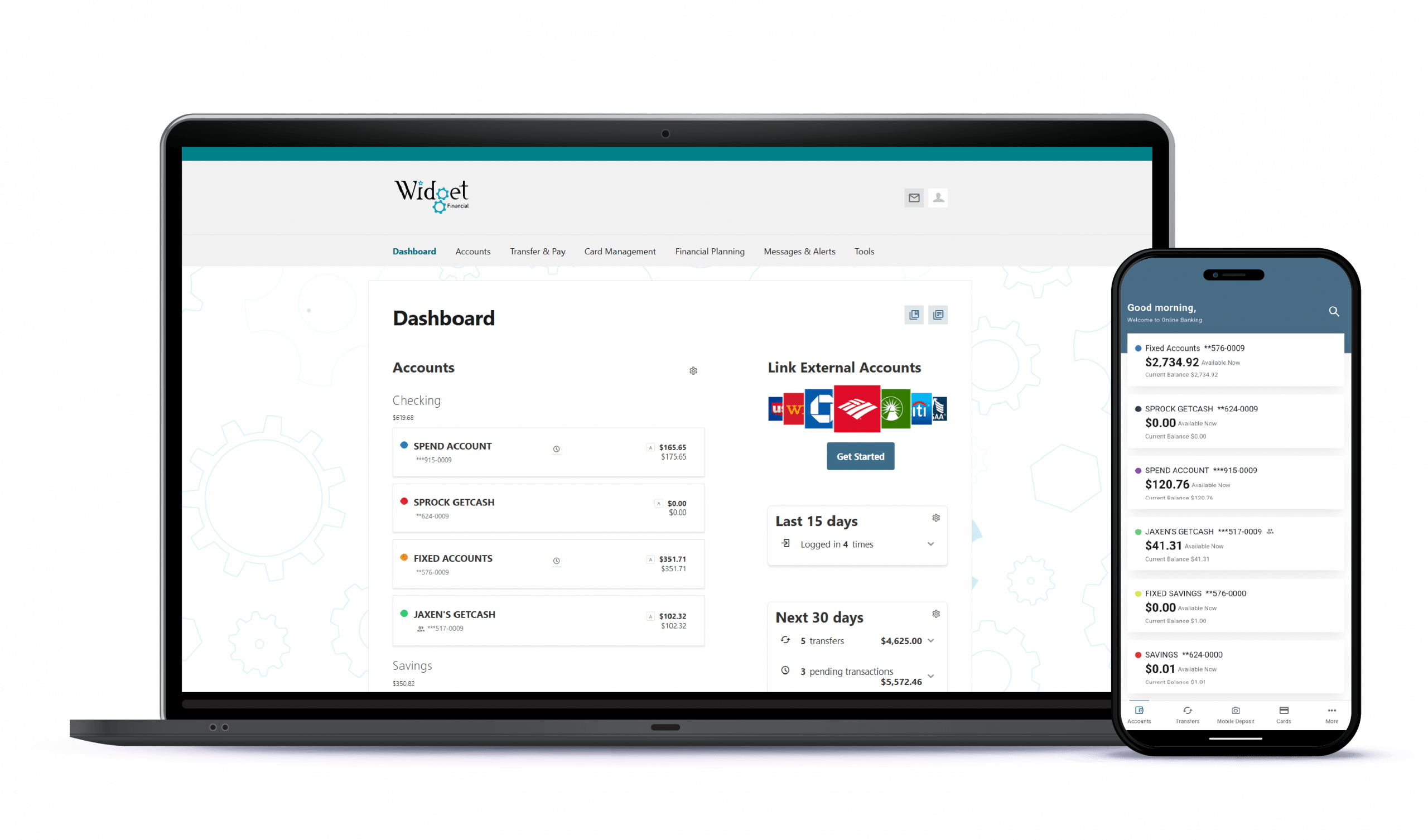
SavvyMoney is a free tool for Widget Financial members, available inside Digital Banking (mobile or desktop). It gives you a simple way to check in on your credit and get helpful insights—without needing to hunt down information across multiple sites.
Benefits of Credit Score:
How to access SavvyMoney
You can find SavvyMoney inside Digital Banking:
• On mobile: Open the Widget Financial Digital Banking app, log in, and look for “My Credit Score” in the menu under the Financial Planning section.
• On desktop: Log in to Digital Banking through your browser and navigate to “My Credit Score” from the dashboard or under the Financial Planning section.
What you can do with SavvyMoney
SavvyMoney is designed to make credit information easier to understand. Depending on the features available in your experience, you may be able to view your credit score, track changes over time, and see the major factors that influence your score. That last part is important: most credit improvements come from a handful of habits. SavvyMoney can help you identify which habits will give you the biggest return, instead of trying random “credit hacks” that may not work.